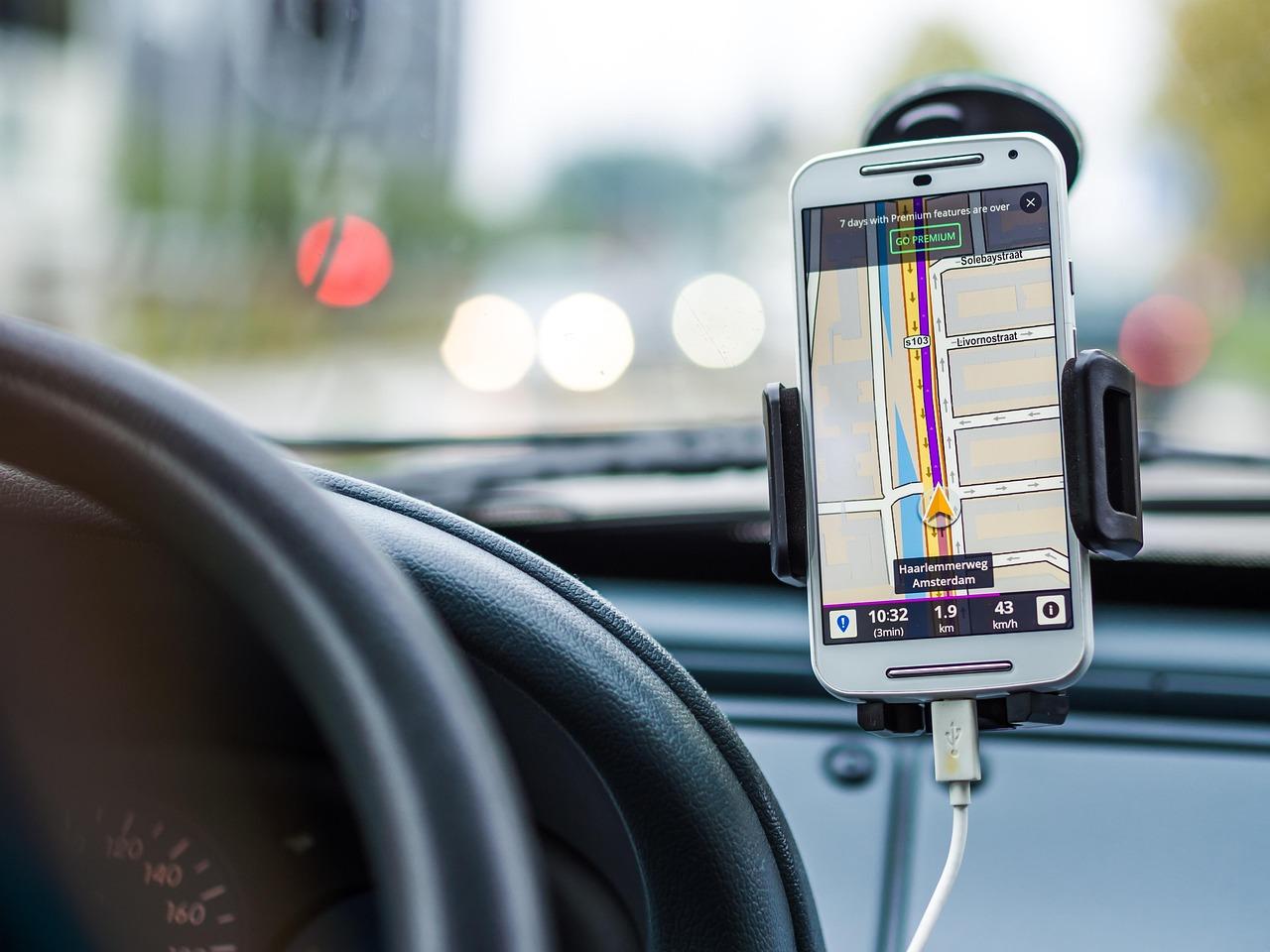
Planning a trip can be both exciting and overwhelming. From booking flights to organizing accommodation and sightseeing, there are countless details to manage. This is where a travel itinerary app becomes a valuable companion, helping travelers keep everything in one easily accessible place. Whether you’re a developer looking to build your own app or just curious about the process, this guide offers a helpful roadmap to creating a travel itinerary app that truly meets users’ needs. We’ll walk you through the essential features, design considerations, and technical steps involved, all with a focus on making travel planning as smooth and enjoyable as possible. By the end, you’ll have a clearer understanding of how to transform your ideas into a practical tool that empowers others to explore the world with confidence.
Choosing the Right Features to Enhance User Experience in Your Travel Itinerary App
When designing your travel itinerary app, focusing on features that truly enrich the traveler’s journey is key. Prioritize personalization options such as custom day plans, preferred activity types, and budget settings to make each itinerary feel uniquely tailored. Integrate real-time updates for weather, flight changes, and local events, allowing users to adapt their plans effortlessly. Including interactive maps with offline access ensures seamless navigation even when users are off the grid. Social sharing capabilities and collaboration tools also enhance the experience by enabling users to build and share plans with friends and family. To keep engagement high, embed a smart recommendation engine powered by AI that suggests hidden gems based on user interests and past behavior. This combination of customization, adaptability, and social interaction is what transforms an itinerary app from a simple scheduler into an indispensable travel companion that makes every trip memorable.
| Key Feature | Benefit | Gezify Example |
|---|---|---|
| Personalized Day Plans | Tailors each day to user preferences and budget | Select your vibe and get a custom Bali itinerary |
| Offline Interactive Maps | Navigates without internet in remote areas | Map your Ubud walk with offline GPS guidance |
| Real-Time Notifications | Keeps users informed about changes and alerts | Flight delays & weather changes sent instantly |
| Social Sharing & Collaboration | Builds shared itineraries for group trips | Create group trips with friends visiting Lombok |
Best Practices for Designing a Seamless and Intuitive Travel Planning Interface
Crafting a travel itinerary app demands a focus on simplicity and user empowerment, ensuring each interaction feels natural and efficient. Start by prioritizing clarity-clear labeling, concise information, and intuitive iconography guide travelers without overwhelming them. Incorporate a well-structured layout with prominent navigation bars and persistent action buttons to keep important features within easy reach. Leveraging consistent visual cues like color coding for different trip segments or icons indicating transportation modes improves scannability. Responsiveness is key; the interface should seamlessly adapt to any device, maintaining a smooth flow whether on a smartphone or tablet. Enhancing user confidence through real-time feedback, like instant confirmation after saving an itinerary stop, fosters trust and reduces friction. Integrate natural language search and smart suggestions to anticipate user needs-whether suggesting popular restaurants in a city or the fastest routes between destinations. Lastly, accessible design, including legible fonts and sufficient contrast, ensures that Gezify travelers of all backgrounds can explore and plan effortlessly, creating a memorable experience from start to finish.
| Design Element | Implementation Tips | User Benefit |
|---|---|---|
| Clear Navigation | Use fixed bottom nav bars with icons & labels | Quick access to core features |
| Color Coding | Assign colors per trip segment (flights, hotels) | Visual organization for ease of use |
| Real-Time Feedback | Instant-saving notifications and progress bars | Builds trust and reduces user frustration |
| Adaptive Layout | Responsive designs for mobile and tablet | Consistent experience across devices |
| Accessible Design | Use legible fonts, high contrast, alt text | Inclusive for all travelers |
Creating a travel itinerary app can seem daunting, but with a clear plan and the right tools, it’s an achievable and rewarding project. By understanding your users’ needs, focusing on intuitive design, and incorporating essential features, you can build an app that truly enhances the travel experience. Remember, every step from planning to development brings you closer to helping others explore the world with ease. Stay patient, keep learning, and enjoy the journey of turning your travel app idea into reality.
Leave a Reply