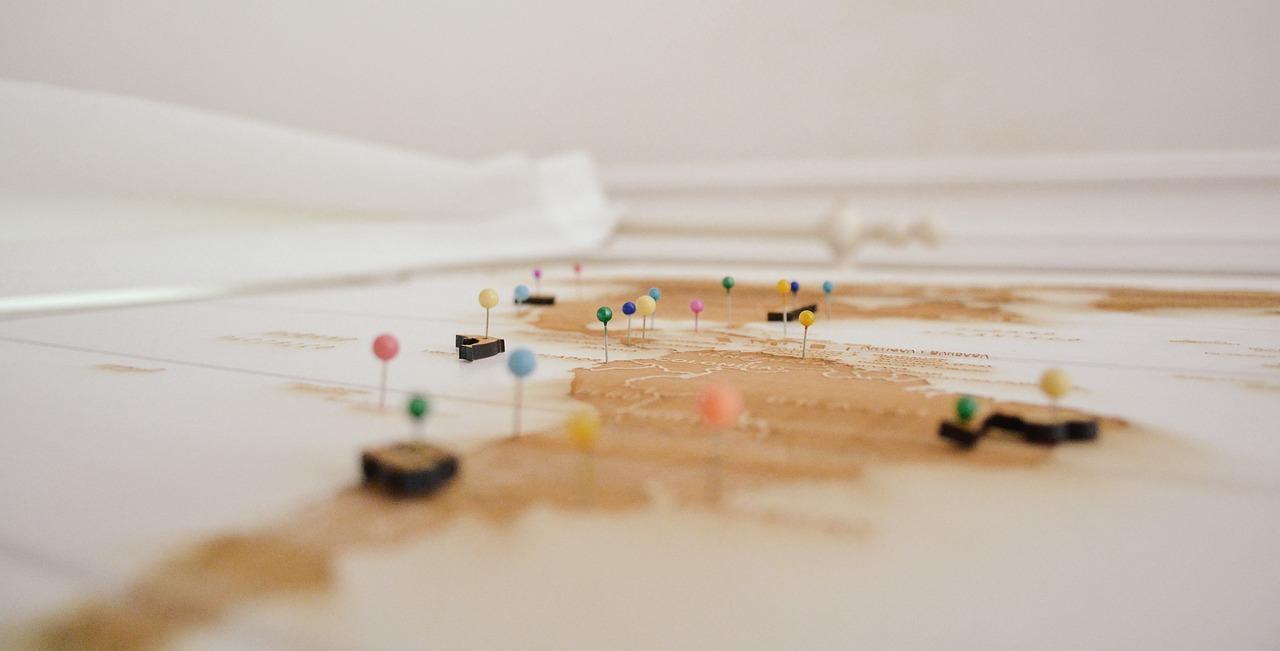
Traveling is one of life’s greatest joys, but the excitement of exploring new destinations can sometimes be overshadowed by the stress of planning and organizing. Creating an itinerary travel map offers a practical solution to keep your journey smooth, enjoyable, and well-coordinated. Whether you are a seasoned traveler or embarking on your first adventure, having a clear, visual plan helps you make the most of your time, avoid unexpected hiccups, and reduce travel anxiety. This guide will walk you through the steps of designing an efficient itinerary travel map, from selecting must-see attractions to arranging accommodations and transportation. By the end, you’ll be equipped with an easy-to-follow tool that keeps all your travel details at your fingertips, allowing you to focus on the joy of discovery rather than the hassle of logistics. Let’s transform your next trip into a seamless experience, where every moment is thoughtfully charted and stress-free.
Choosing the Best Tools for Crafting an Effective Travel Itinerary Map
When crafting your travel itinerary map, selecting the right tools can transform your planning experience from chaotic to seamless. With countless apps and software available, it’s essential to focus on features that prioritize user-friendly interfaces, customization options, and real-time syncing to keep your trip organized across all devices. Tools like Google My Maps offer intuitive layering and place markers, while dedicated itinerary apps such as Sygic Travel provide insightful details like opening hours and user reviews directly integrated into the map. For those who enjoy visual storytelling, Canva’s map templates can be personalized with graphics and icons to create a stunning itinerary overview. Moreover, consider tools that allow easy export and sharing so you can collaborate with travel companions or save offline. Below is a quick comparison table highlighting some of the top options recommended by Gezify to help you choose wisely:
| Tool | Key Features | Best For | Offline Access |
|---|---|---|---|
| Google My Maps | Custom pins & routes, collaborative editing | Beginners and multi-traveler groups | Limited |
| Sygic Travel | Offline maps, travel guides, itinerary planner | Comprehensive trip planners | Yes |
| Canva | Visual customization, templates, vibrant designs | Creative types and presentation lovers | No |
- Check cross-device compatibility so your itinerary updates sync instantly.
- Prioritize simplicity-complex tools can slow down your adventure prep.
- Look for export options PDF or offline maps are lifesavers when traveling without constant internet.
- Consider social sharing features to get input or help from friends and local experts.

Tips for Personalizing Your Map to Match Your Travel Style and Needs
When crafting your travel map, it’s essential to tailor every element to your unique preferences and practical needs. Start by color-coding destinations based on activity types-cultural sites, food experiences, or outdoor adventures-to get an instant visual guide on your interests. Integrate time-based layers so your map adapts to day or night activities efficiently. Don’t hesitate to use custom icons or emojis that speak to your vibe, making it easier to spot must-see spots at a glance. For smooth navigation, include transportation hubs and estimate travel times, which helps prioritize locations and avoid backtracking. If you’re traveling in a group, sharing editable map versions on Gezify’s platform can keep everyone updated and involved. Utilizing customized routes and notes tailored to your pace makes your itinerary more manageable, freeing your journey from “checklist stress” and turning it into an effortless experience that’s truly your own.
| Feature | Benefit | Gezify Tips |
|---|---|---|
| Custom Icons | Quickly identify your favorite spot types | Use emojis or symbols matching your style |
| Color-Coding | Instant visual categorization of activities | Assign a color for food, culture, and relaxation |
| Time Layers | Match places with day or night plans | Plan morning hikes vs. evening entertainment |
| Shared Access | Collaborate with fellow travelers in real-time | Use Gezify for smooth map sharing and updates |
Creating an itinerary travel map is more than just planning-it’s about crafting a seamless journey that allows you to fully embrace every destination without stress. By thoughtfully organizing your route and key stops, you pave the way for memorable experiences and unexpected discoveries. Remember, flexibility is just as important as structure; your map is a guide, not a rulebook. With these tips in hand, you’re ready to embark on smooth, enjoyable trips that leave you free to focus on the joy of travel itself. Safe travels and happy exploring!
Leave a Reply