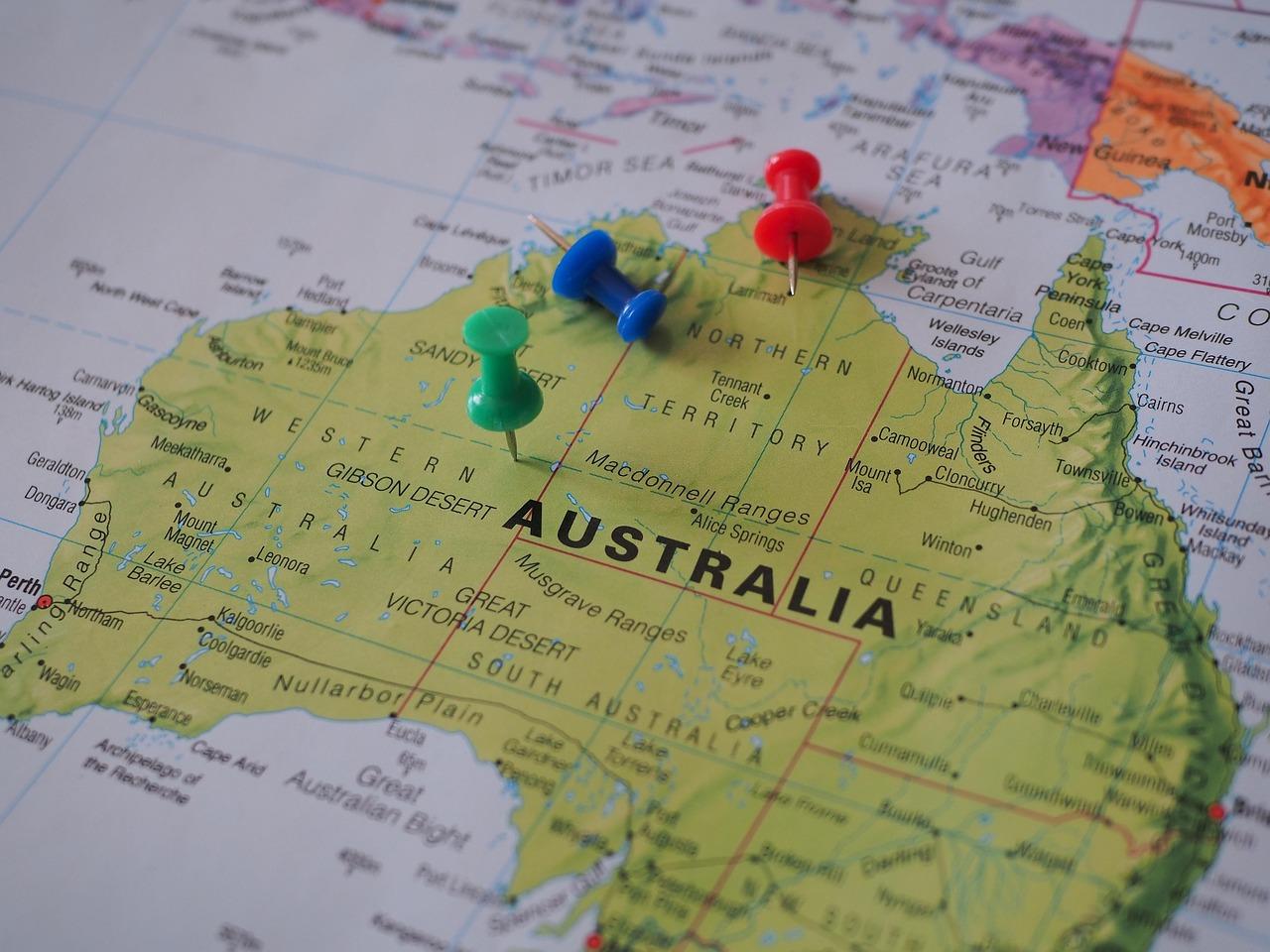
Planning a trip can be both exciting and overwhelming, especially when it comes to organizing all the places you want to visit. Building a travel itinerary on a map is a practical way to visualize your journey, helping you stay organized and make the most of your time. Whether you’re planning a weekend getaway or a long vacation, mapping out your itinerary offers a clear overview of the distances, transportation options, and attractions along the way. In this article, we’ll guide you through easy steps to create a personalized travel itinerary on a map, even if you’re new to digital tools. By the end, you’ll have a handy visual plan that simplifies your travel decisions, reduces stress, and ensures you don’t miss any must-see spots. Let’s get started on turning your travel ideas into a smooth, enjoyable adventure!
Planning Your Travel Route for Maximum Enjoyment and Convenience
When crafting a travel route for optimal enjoyment and ease, start by marking your key destinations on a map-this visual approach reveals natural pathways and clusters that can save you time. Prioritize places based on their opening hours, popularity, and your personal interests, mixing busy attractions with off-the-beaten-path gems to maintain a refreshing balance. Incorporate short breaks and realistic travel times to avoid feeling rushed, and use icons or color codes to highlight transportation modes or accommodation spots. Remember, flexibility is your friend: a well-planned route isn’t rigid but adaptable to spontaneous discoveries or unexpected delays. To help you organize, here are essential tips that Gezify recommends:
- Group nearby sites to minimize transit and maximize sightseeing.
- Factor in downtime – an energized traveler enjoys more.
- Consult local insights via blogs or forums for hidden gems.
- Choose logical start and end points daily to reduce backtracking.
| Step | Action | Benefit |
|---|---|---|
| 1 | Pin all must-visit spots on your map. | Visual clarity and route logic. |
| 2 | Group nearby destinations together. | Reduces travel time, enhances experience. |
| 3 | Plan realistic time blocks for each. | Keeps itinerary flexible and stress-free. |
| 4 | Include buffer periods for relaxation or changes. | Allows spontaneous moments without pressure. |
Choosing the Right Tools and Apps to Visualize Your Itinerary Effectively
When it comes to bringing your travel plans to life visually, selecting the right tools and apps can transform a complex list of destinations into an engaging, user-friendly map. Prioritize tools that offer intuitive interfaces and flexibility so you can effortlessly plot routes, add markers, and customize your map layers. Apps like Google My Maps let you drag and drop locations, color-code your stops, and embed personalized notes, enhancing the clarity and appeal of your itinerary. For a more dynamic approach, platforms such as Mapme or ZeeMaps support interactive elements, allowing you to include photos, links, and even real-time updates, perfect for sharing your trip on Gezify. Whether using mobile or desktop, ensure the tool syncs seamlessly across devices and supports offline viewing-an essential feature when you roam beyond reliable internet coverage. Here’s a quick visual guide on popular itinerary mapping features to consider:
| Feature | Google My Maps | Mapme | ZeeMaps | Gezify Tips |
|---|---|---|---|---|
| User-friendly Interface | ✔️ Simple drag & drop | ✔️ Interactive design | ✔️ Customizable markers | Choose based on ease of use |
| Offline Access | Limited | ✔️ Available | ✔️ Available | Must-have for remote travel |
| Customization | Basic colors & icons | Advanced themes | Extensive marker options | Personalize to reflect your style |
| Sharing Capabilities | Easy sharing via link | Embedded maps & social | Group collaboration | Great for sharing on Gezify |
| Mobile Compatibility | ✔️ Android & iOS | ✔️ Responsive | ✔️ Responsive | Always access your map on the go |
Ultimately, the perfect app is one that matches how you want to experience and share your travels. Whether you prefer clean and simple or rich with details, pairing your itinerary with the right digital companion brings your route to life-ready to inspire your next adventure featured on Gezify.
Creating a travel itinerary on a map doesn’t have to be overwhelming. By following these simple steps, you can visualize your journey, stay organized, and make the most of your trip. Remember, the key is to balance planned activities with some flexibility, allowing for spontaneous adventures along the way. Whether you’re a seasoned traveler or planning your first trip, mapping out your route can bring clarity and excitement to your travel experience. Happy travels!
Leave a Reply