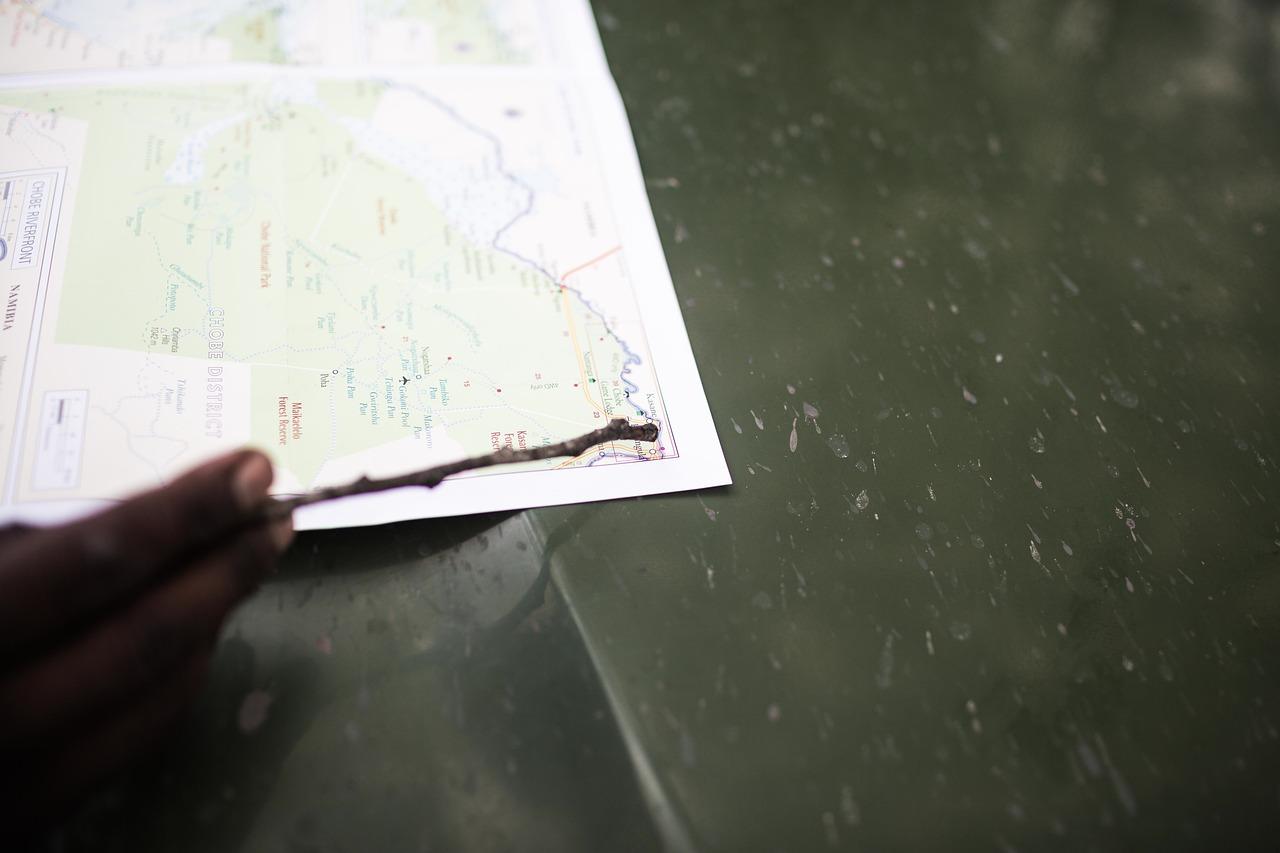
Planning a trip can be both exciting and overwhelming, especially when trying to organize all the destinations, activities, and travel logistics in one place. That’s where a travel itinerary map guide comes in handy-serving as a visual and practical tool that brings clarity to your journey. Creating a well-structured itinerary map not only helps you maximize your time but also reduces stress by giving you a clear overview of your route and stops. Whether you’re a seasoned traveler or embarking on your first adventure, this guide will walk you through simple yet effective steps to design a personalized travel itinerary map. By combining thoughtful planning with easy-to-use tools, you’ll be able to navigate your trip smoothly, making the most of every moment while staying flexible to new experiences. Let’s explore how you can craft your perfect travel roadmap and turn your dream trip into a memorable, well-organized adventure.
Choosing the Best Tools and Apps for Building Your Travel Itinerary Map
When it comes to crafting the perfect travel itinerary map, selecting the right tools and apps can streamline your planning process and elevate your travel experience. Start by considering what features suit your needs best – whether it’s offline map access, integrated route planning, or collaborative options to share with friends and fellow travelers. Apps like Google My Maps offer a user-friendly platform to custom-design your journey with personalized markers and notes, while Maps.me shines for offline navigation in remote destinations. For an all-in-one solution, TripIt organizes your bookings and maps into one neat dashboard, perfect for busy globetrotters seeking efficiency. Don’t overlook specialized tools like Roadtrippers that tailor to road trip enthusiasts by highlighting unique stops along the way. To give you a clearer picture, here’s a handy comparison of some leading apps you can explore through Gezify’s recommendations:
| App Name | Key Features | Best For | Offline Use |
|---|---|---|---|
| Google My Maps | Custom layers, easy sharing, integration with Google Drive | Detailed route planning | No |
| Maps.me | Offline maps, turn-by-turn navigation, POIs | Adventure travel & remote locations | Yes |
| TripIt | Itinerary organization, calendar sync, real-time alerts | Multi-booking trips | Limited |
| Roadtrippers | Road trip planning, unique stops, cost estimation | Road trips & scenic routes | No |
- Integration is key: Choose apps that sync smoothly with your devices and calendars for seamless updates.
- Consider usability: Your map should be easy enough to update on the go, so apps with intuitive interfaces often win.
- Look for collaboration features: Sharing your itinerary map on Gezify or with travel buddies enriches the journey with diverse input and feedback.
Ultimately, the best travel tools blend functionality with ease of use, enabling you to visualize your route and discover hidden gems effortlessly. With Gezify’s curated insights, you’ll be well-equipped to build an itinerary map that’s not just a guide but a personalized travel companion.
Tips for Customizing Your Map to Match Your Travel Style and Preferences
Crafting your personalized travel map becomes a breeze when you consider your unique preferences and style. Start by prioritizing destinations that spark your curiosity, whether it’s bustling cultural hubs, serene nature escapes, or quirky hidden gems. Use color-coding to differentiate activities-adventure spots in red, food stops in green, and relaxation areas in blue-turning your map into a vibrant visual planner. Don’t shy away from layering in custom icons or emojis that speak to your vibe: a camera for photo ops, a coffee cup for café breaks, or a book for quiet reading spots. Additionally, adjust the map’s layout for the best user experience; if you love outdoor adventures, zoom in on hiking trails or parks and embed links to trail maps and weather updates. Remember, adding notes or reminders directly on your map pins, like “try the local street food here” or “best sunrise view,” creates a smart, interactive guide that travels with you. For Gezify readers passionate about tech-savvy travel, integrating apps like Google My Maps or Mapbox with GPS tracking ensures you stay on course effortlessly. Below is a simple reference table to spark ideas on mapping elements matched to your travel personality:
| Travel Style | Map Customization | Ideal Features |
|---|---|---|
| Cultural Explorer | Highlight museums, theaters & historic sites | Event dates, guided tour links |
| Foodie Adventurer | Cluster top-rated restaurants & street food areas | Menu highlights, reservation notes |
| Nature Lover | Mark hiking trails, parks & lookout points | Difficulty ratings, weather alerts |
| Relaxation Seeker | Pin spas, beaches & peaceful cafés | Best times to visit, quiet hours |
- Integrate real-time data: Weather widgets and opening hours add practical value.
- Collaborate with travel buddies: Shared editing lets everyone tailor parts for their interests.
- Keep it dynamic: Update your map on-the-go as you discover spontaneous hotspots.
Creating a travel itinerary map guide may seem daunting at first, but with a clear plan and the right tools, it becomes an enjoyable step towards a memorable journey. Remember, your map is more than just directions-it’s a personal story of your adventure. Take the time to tailor it to your interests and pace, allowing flexibility for unexpected discoveries. With careful preparation and a thoughtful approach, your travel itinerary map will not only keep you organized but also inspire confidence and excitement throughout your trip. Happy travels!
Leave a Reply